What Is WordPress? Is It Worth Using in the AI Era 2026?

What Is WordPress? Quick Answer
WordPress ien-source content management system (CMS) that lets you build and manage websites without creating everything from scratch. It can power anything from a simple blog to a business website, online store or membership platform.
And yes, WordPress is still worth using in 2026, even in the AI era. AI can make website creation faster, but WordPress still gives you strong control over design, SEO, content, integrations and website ownership. The real question is whether that flexibility makes it the right choice for your website.
What Is WordPress and How Does It Work?
WordPress is a content management system (CMS) that helps you create, publish and manage a website through an easy-to-use dashboard instead of coding every page manually.
It works by combining three main parts:
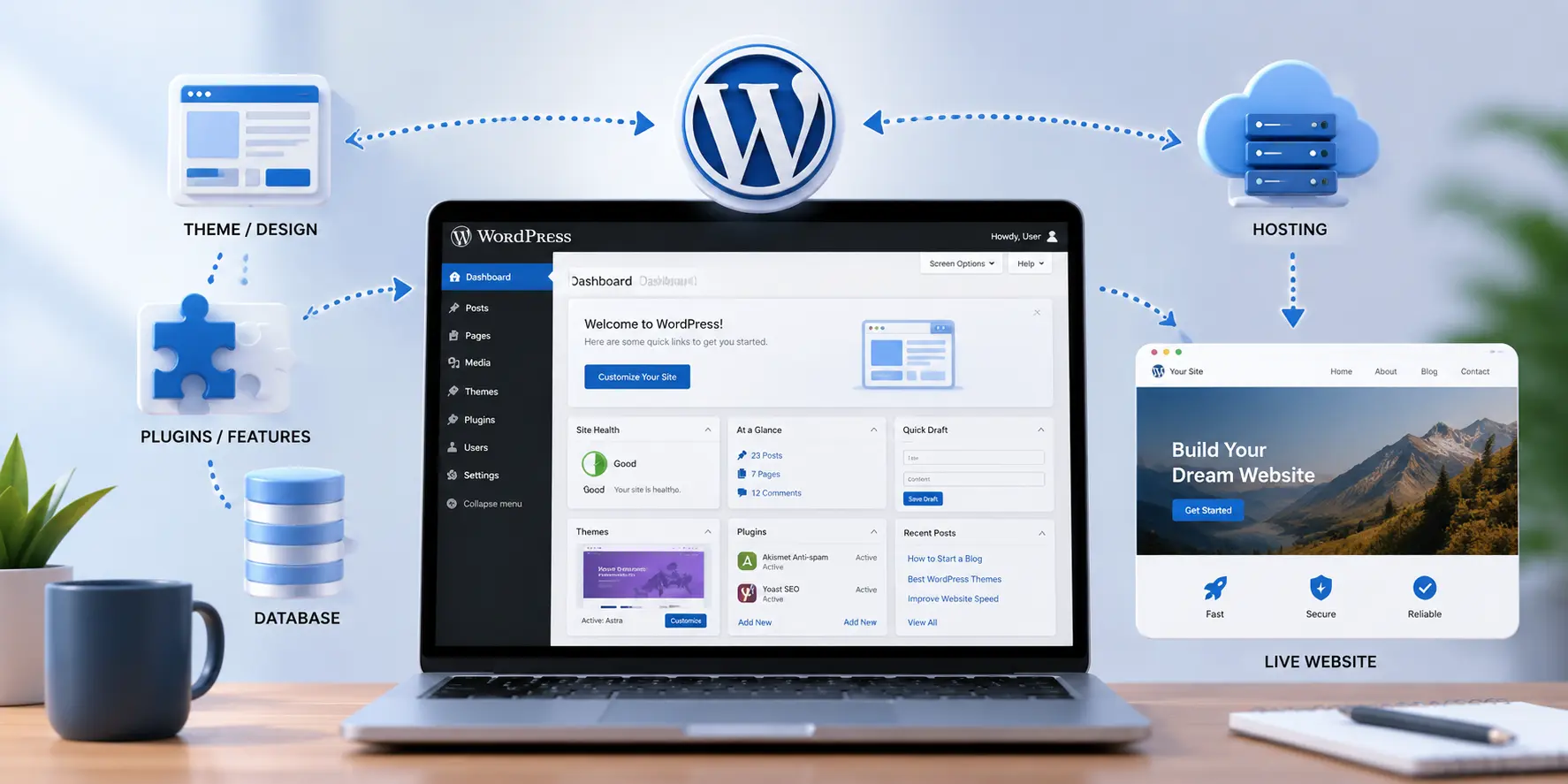
- Themes control how your website looks.
- Plugins add features such as SEO tools, forms, security or eCommerce.
- WordPress dashboard lets you manage pages, blog posts, images, users and website settings.
Your WordPress site runs on web hosting and stores its content in a database. When someone visits your website, WordPress brings these elements together and displays the requested page in their browser.
This flexibility is one reason WordPress can work for everything from a small business website to a large online store.
WordPress.com vs WordPress.org: What’s the Difference?
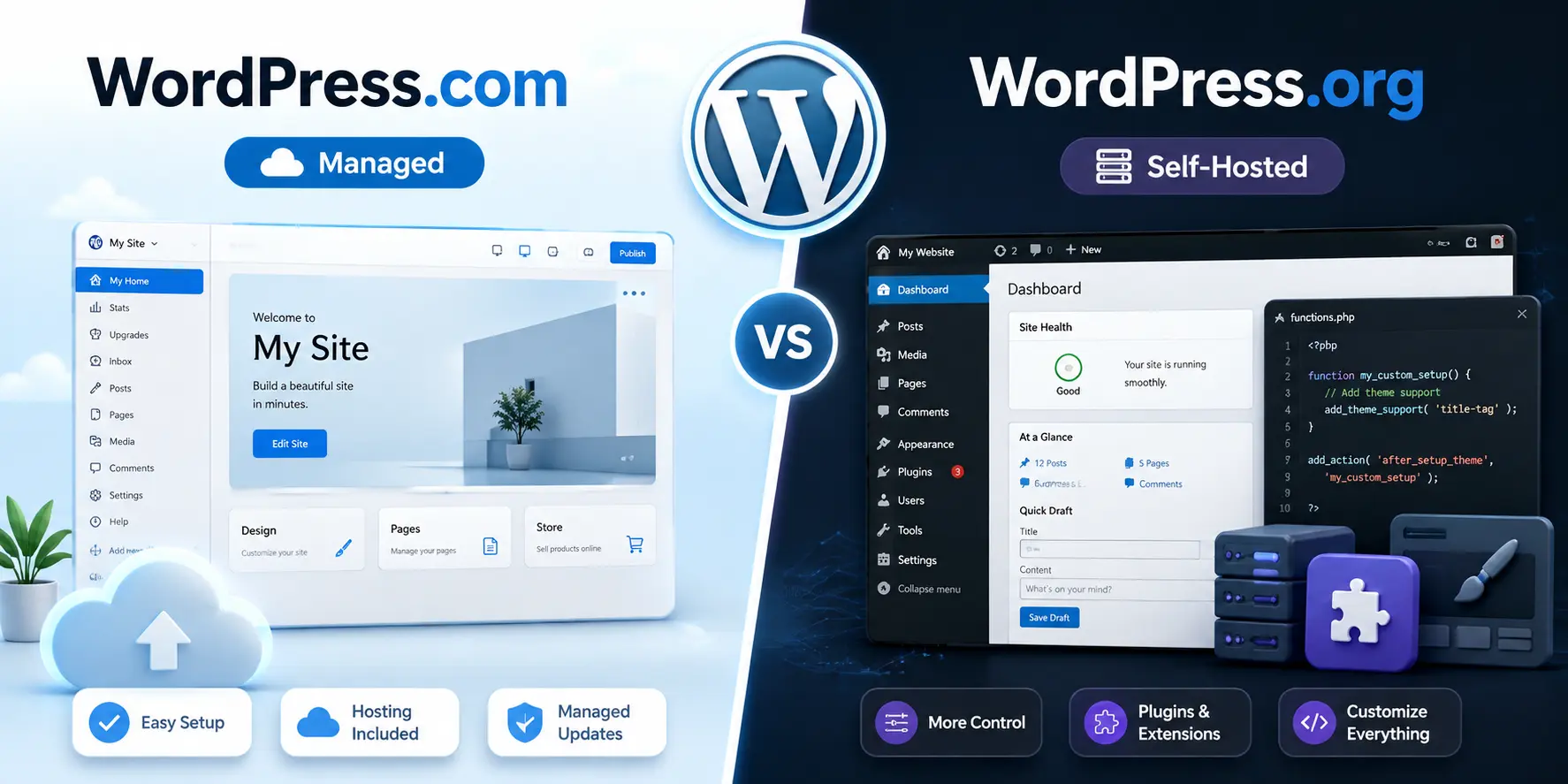
The main difference is control and hosting. WordPress.org is the self-hosted version of WordPress, while WordPress.com is a hosted service that manages much of the technical setup for you.
| Feature | WordPress.org | WordPress.com |
| Hosting | You choose your hosting provider | Hosting is included |
| Customization | Full control over themes, plugins and code | Depends on your plan |
| Website ownership | More control over your website and files | Managed within WordPress.com |
| Best for | Businesses, eCommerce and custom websites | Beginners and simpler websites |
WordPress.org is usually the better choice for businesses that want greater flexibility, SEO control, custom functionality and room to scale. WordPress.com can be easier to start with when you prefer a more managed setup.
What Can You Build With WordPress in 2026?
WordPress is flexible enough to build almost any type of website, from a simple company site to a large online platform.
Business Websites
Businesses can use WordPress for professional websites with service pages, contact forms, booking systems, lead generation, blogs and custom features. If you need more flexibility than a basic website builder offers, a professionally built WordPress website can be customized around your business goals.
eCommerce Stores
With WooCommerce, WordPress can power online stores with product pages, payments, shipping options, coupons and order management.
Blogs and Content Websites
WordPress started as a blogging platform and still works extremely well for blogs, news sites, magazines and content-heavy websites that publish regularly.
Portfolio and Service Websites
Freelancers, agencies, consultants, photographers and other professionals can create portfolio and service websites that showcase their work and generate enquiries.
Membership and Learning Platforms
WordPress can also support membership websites, online courses, gated content, subscriptions and learning platforms through dedicated plugins.
The key advantage is that you can start with a simple website and add more functionality as your needs grow.
Why Is WordPress Still Relevant in the AI Era?
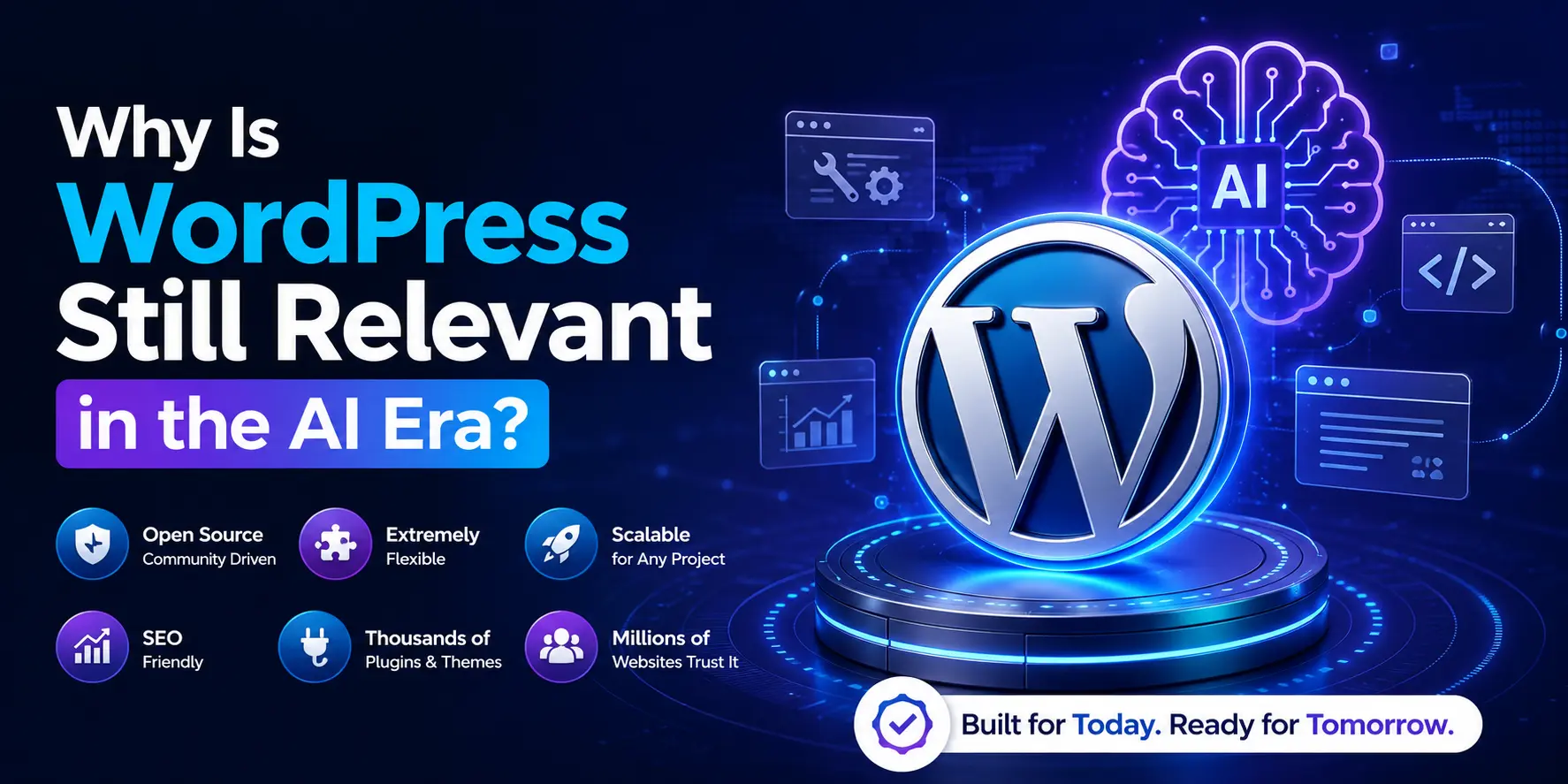
AI has changed how websites are designed and managed, but it has not removed the need for WordPress. Instead, AI tools are increasingly being used alongside WordPress to speed up tasks such as content creation, design, SEO, customer support and automation.
WordPress remains relevant because it gives businesses:
- More control over design, content and functionality
- Access to thousands of themes, plugins, and integrations
- Strong flexibility for SEO and content management
- The ability to connect AI chatbots and automation tools
- Room to scale as business needs grow
AI can make building a website faster, but WordPress provides the structure, ownership and flexibility needed to turn those AI capabilities into a complete website.
How Is AI Changing WordPress in 2026?
AI is making WordPress faster to build, easier to manage and more automated. Instead of replacing WordPress, AI is becoming part of the WordPress workflow through built-in features, plugins and integrations.
AI Website Building and Design
AI can now generate layouts, pages, images, and website copy from simple prompts. WordPress.com, for example, offers an AI website builder that can create a structured WordPress site and still allows users to edit the result manually.
AI Content Creation
Tools such as Jetpack AI Assistant can help create, rewrite, summarize and improve content directly inside the WordPress editor. This can speed up publishing, but human review is still important for accuracy and brand voice.
AI Chatbots and Automation
WordPress websites can integrate AI-powered customer support, product recommendations, lead handling and automated workflows. WooCommerce extensions, for example, already support AI shopping assistants and personalized product recommendations.
AI-Powered SEO and Optimization
AI is also being added to WordPress SEO tools. Yoast, for example, offers AI features for generating and improving SEO titles and meta descriptions, while newer integrations can help users analyze SEO data through AI tools.
The result is that WordPress users can automate more repetitive tasks while still keeping control over their website, content and SEO strategy.
What Are the Main Benefits of Using WordPress Today?
WordPress remains popular because it gives website owners flexibility, control and room to grow without locking them into one type of website.
Key benefits include:
- Highly customizable: Choose from thousands of themes and plugins or build custom features.
- SEO-friendly: Gives you strong control over URLs, metadata, content structure, internal links and technical SEO.
- Scalable: You can start with a small website and expand it as your traffic, content or services grow.
- Strong content management: Pages, blogs, images, products and users can all be managed from one dashboard.
- Large ecosystem: A wide range of developers, plugins, integrations and learning resources are available.
- Business-friendly: WordPress can connect with CRM tools, payment systems, email marketing platforms, analytics and automation software.
Its biggest advantage is control: you can shape the website around your business instead of forcing your business to fit a limited website builder.
What Are the Limitations of WordPress?
WordPress is flexible, but that flexibility also means it needs more setup and maintenance than some all-in-one website builders.

Common limitations include:
- Regular maintenance: Themes, plugins, and WordPress itself need updates.
- Security responsibility: Poorly maintained plugins, weak passwords or outdated software can create security risks.
- Plugin conflicts: Too many plugins or badly coded ones can cause errors or compatibility issues.
- Performance issues: Heavy themes, large images and unnecessary plugins can slow down the website.
- Learning curve: Advanced customization may require technical knowledge or developer support.
- Extra costs: Hosting, premium themes, plugins, maintenance and development can increase the total cost.
WordPress works best when it is properly built and maintained. For users who want a completely hands-off setup, a simpler hosted website builder may be easier.
Is WordPress Easy for Beginners in 2026?
Yes, WordPress is beginner-friendly for basic website management, especially for editing pages, publishing blog posts, uploading images and managing menus.
However, beginners may need some time to understand:
- Themes and page builders
- Plugins and updates
- Hosting and domains
- Backups and security
- Basic SEO settings
Tools like Elementor, Gutenberg and AI-assisted builders have made WordPress easier than before. Still, advanced customization or technical issues may require professional help.
So, WordPress is easy to start with, but mastering it takes some learning.
Is WordPress Good for SEO in the AI Search Era?
Yes, WordPress is still a strong platform for SEO in 2026 because it gives you control over important elements such as page structure, URLs, metadata, internal links, images, structured data and technical optimization.
It also fits well with the shift toward AI-powered search. Google’s current guidance says that traditional SEO best practices still apply to AI Overviews and AI Mode, there is no separate trick required to appear in generative search. Clear site structure, crawlable pages and unique, useful content remain important.
WordPress can support all of this through its built-in features and SEO plugins. The platform itself, however, does not guarantee rankings; content quality, site speed, technical SEO, authority and user experience still determine how well a website performs.
Content structure also matters. For example, poorly managed duplicate content can affect SEO by making it harder for search engines to identify the preferred page to index and rank.
Is WordPress Secure in 2026?
Yes, WordPress can be secure in 2026, but security depends heavily on how the website is maintained. WordPress regularly releases security updates and recommends keeping the core software, themes and plugins up to date.
To keep a WordPress website safer:
- Install updates regularly
- Use trusted themes and plugins
- Remove unused plugins
- Use strong passwords and two-factor authentication
- Keep regular backups
- Choose secure, reliable hosting
The platform itself is not automatically insecure. Most risks increase when websites run outdated software, weak credentials or poorly maintained third-party plugins.
With proper maintenance and basic security practices, WordPress remains a reliable choice for business websites in 2026.
How Much Does a WordPress Website Cost in 2026?
The cost of a WordPress website depends on hosting, domain, design, plugins and whether you build it yourself or hire a developer.
The WordPress.org software itself is free and open source, but you still need hosting and usually a domain name.
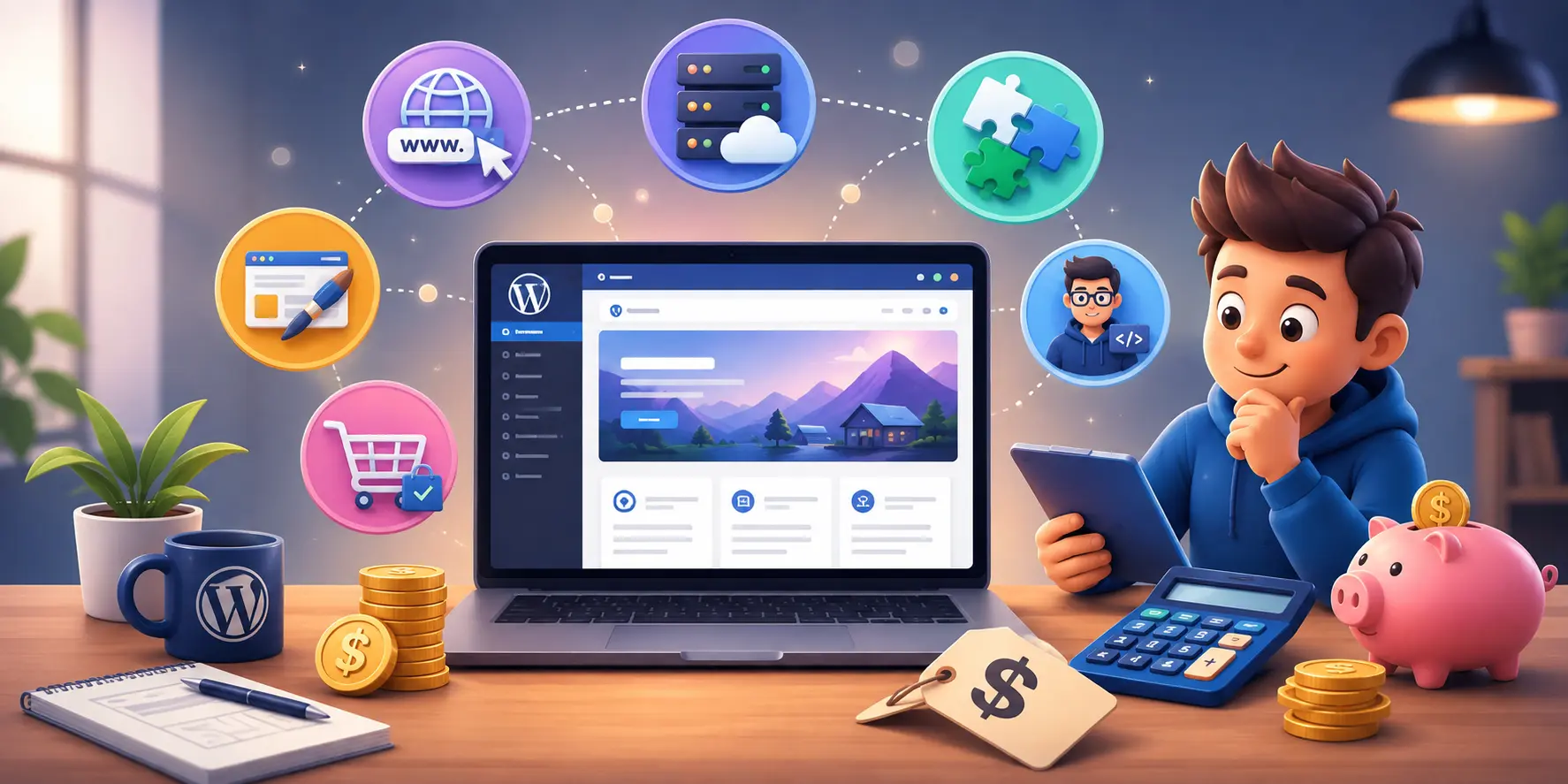
Typical costs may include:
| Cost | What You Pay For |
| WordPress software | Free |
| Domain | Usually an annual fee |
| Hosting | Depends on provider and website size |
| Premium themes/plugins | Optional |
| Developer cost | Depends on design and functionality |
For comparison, WordPress.com currently offers paid plans starting from $4/month when billed annually, with hosting included.
eCommerce websites usually cost more because they may need stronger hosting, payment tools and premium extensions. WooCommerce itself is free, while WooCommerce says hosting for many stores can range from $25 to $350 per month, depending on traffic and performance needs.
WordPress vs AI Website Builders: Which Is Better?
The better choice depends on how quickly you want to launch and how much control you need afterward.
AI website builders such as Wix and Hostinger can generate layouts, content and basic website structures from a few prompts, making them useful for beginners who want to launch a simple site quickly.
| Factor | WordPress | AI Website Builders |
| Setup speed | Requires more setup | Usually faster |
| Customization | Very high | Depends on the platform |
| Plugins & integrations | Extensive | More platform-dependent |
| Scalability | Strong for growing sites | Varies by builder |
| Best for | Businesses needing control | Quick, simple websites |
The difference is becoming smaller because WordPress itself now includes AI website-building tools. WordPress.com can generate a site with layouts and content using AI, while still allowing manual editing and plugin expansion afterward.
So, if you only need a simple website quickly, an AI builder can make sense. If you need deeper customization, SEO control, integrations or room to grow, WordPress is usually the stronger long-term option.
So, there is no single WordPress website price in 2026, the final cost depends on how simple or customized your website needs to be.
WordPress vs Shopify, Wix and Webflow in 2026?
Each platform serves a different type of user. WordPress offers the most flexibility, while Shopify focuses strongly on eCommerce, Wix prioritizes ease of use and Webflow gives designers more visual control.
| Platform | Best For | Control | Ease of Use | eCommerce |
| WordPress | Business sites, blogs, custom websites | Very high | Moderate | Strong with WooCommerce |
| Shopify | Dedicated online stores | Moderate | Easy | Excellent |
| Wix | Beginners and small websites | Moderate | Very easy | Good |
| Webflow | Design-focused and custom websites | High | Moderate | Good |
WordPress can be extended through thousands of themes and plugins, making it suitable for websites that need custom functionality or room to grow.
Shopify is built primarily around commerce and includes tools for creating and managing online stores, while Wix combines a beginner-friendly visual builder with AI-powered website creation and eCommerce features.
Webflow is a stronger fit when visual design control and a structured CMS are priorities and it also supports eCommerce.
For businesses that want long-term flexibility, SEO control, integrations and custom functionality, WordPress remains one of the strongest all-round choices in 2026.
Who Should Choose WordPress in 2026?
WordPress is a strong choice for people and businesses that want more control, flexibility, and room to grow.
It is especially suitable for:
- Small and medium-sized businesses
- Agencies and service-based companies
- Bloggers and content publishers
- eCommerce stores using WooCommerce
- Freelancers and portfolio websites
- Membership and course websites
- Businesses that need custom features, integrations, or advanced SEO control
WordPress makes the most sense when you want a website that can grow with your business instead of limiting you to a fixed website builder.
When Is WordPress Not the Best Choice?
WordPress is powerful, but it is not ideal for everyone.
It may not be the best choice if you:
- Want a completely hands-off website with almost no maintenance
- Need to launch a very simple site as quickly as possible
- Prefer an all-in-one platform where hosting, updates and security are managed for you
- Run a store and want a dedicated eCommerce platform with minimal technical setup
- Do not want to manage themes, plugins, backups or updates
In these cases, platforms such as Shopify, Wix or other hosted website builders may be simpler. The right choice depends on how much control, customization and maintenance you are comfortable with.
Is WordPress Worth Using in the AI Era? Final Verdict
Yes, WordPress is still worth using in 2026, especially if you want flexibility, SEO control, custom functionality, and a website that can grow with your business.
AI has made website creation faster, but it has not made WordPress irrelevant. In fact, WordPress now works alongside AI tools for design, content, automation, SEO and customer support.
If you want a quick, simple website with minimal control, an AI website builder may be enough. But for businesses that need long-term control and scalability, WordPress remains a strong choice
If you are considering WordPress for your business but are unsure about the right setup, book a free consultation to discuss your website requirements and the best approach for your goals.
People Also Ask
1. What Exactly Is WordPress Used For?
WordPress is used to build and manage websites without coding everything from scratch. It can be used for business websites, blogs, eCommerce stores, portfolios, membership sites, online courses, news websites and service-based websites.
Its main strength is flexibility, you can start with a simple site and add features such as SEO tools, booking systems, payments, forms, memberships and AI integrations as your needs grow.
2. Can I Earn Money With WordPress?
Yes, you can earn money with WordPress in several ways. You can sell products through WooCommerce, offer services, run a membership site, sell online courses, publish sponsored content, use affiliate marketing or display ads.
WordPress itself does not generate income automatically, but it gives you the tools to build a website around a profitable business model.
3. What is WordPress with an example?
WordPress is a website-building and content management platform. For example, a restaurant can use WordPress to create its website, publish menus, take bookings and share blog updates.
4. Can I learn WordPress in 3 days?
Yes, you can learn the basics of WordPress in 3 days, such as creating pages, using themes, installing plugins, and editing content. Advanced design, SEO, security and development take more time.
5. How can I earn $1,000 per day online?
There is no guaranteed way to earn $1,000 per day online. It usually requires a scalable business model such as eCommerce, digital services, affiliate marketing, online courses or a high-traffic website.
6. Is WordPress outdated in 2026?
No, WordPress is not outdated in 2026. It is still actively developed, with WordPress 7.0 released in May 2026 and further major updates planned for the year. WordPress is also adding modern AI capabilities, improved design tools, collaboration features and stronger developer APIs.
7. Will AI replace WordPress?
No, AI is unlikely to replace WordPress. Instead, AI is becoming part of WordPress through tools for design, content creation, SEO, chatbots and automation, while WordPress continues to provide the website structure and control.
8. Can AI build a WordPress website?
Yes, AI can help build a WordPress website by generating layouts, content, images and even full page structures. However, human review is still important for branding, SEO, functionality and final quality.
9. Do you need coding skills for WordPress?
No, you do not need coding skills to use WordPress for basic website building and management. However, HTML, CSS, PHP or JavaScript can help when you need advanced customization or custom functionality.
