
Does Changing a WordPress Theme Affect SEO Ranking?
Does Changing a WordPress Theme Affect SEO? Quick Answer
Yes, changing a WordPress theme can affect SEO, but the impact depends on what changes with the theme. A new theme may alter your site speed, mobile layout, headings, internal links, schema or page structure, which can influence rankings.
If the switch is handled carefully and important SEO elements stay intact, rankings may remain stable or even improve with a faster, better-optimized theme. The key is knowing what to check before and after the change.
What Actually Changes When You Switch a WordPress Theme?
When you switch a WordPress theme, your posts, pages and media usually stay in place. What changes most is how that content is presented to visitors.
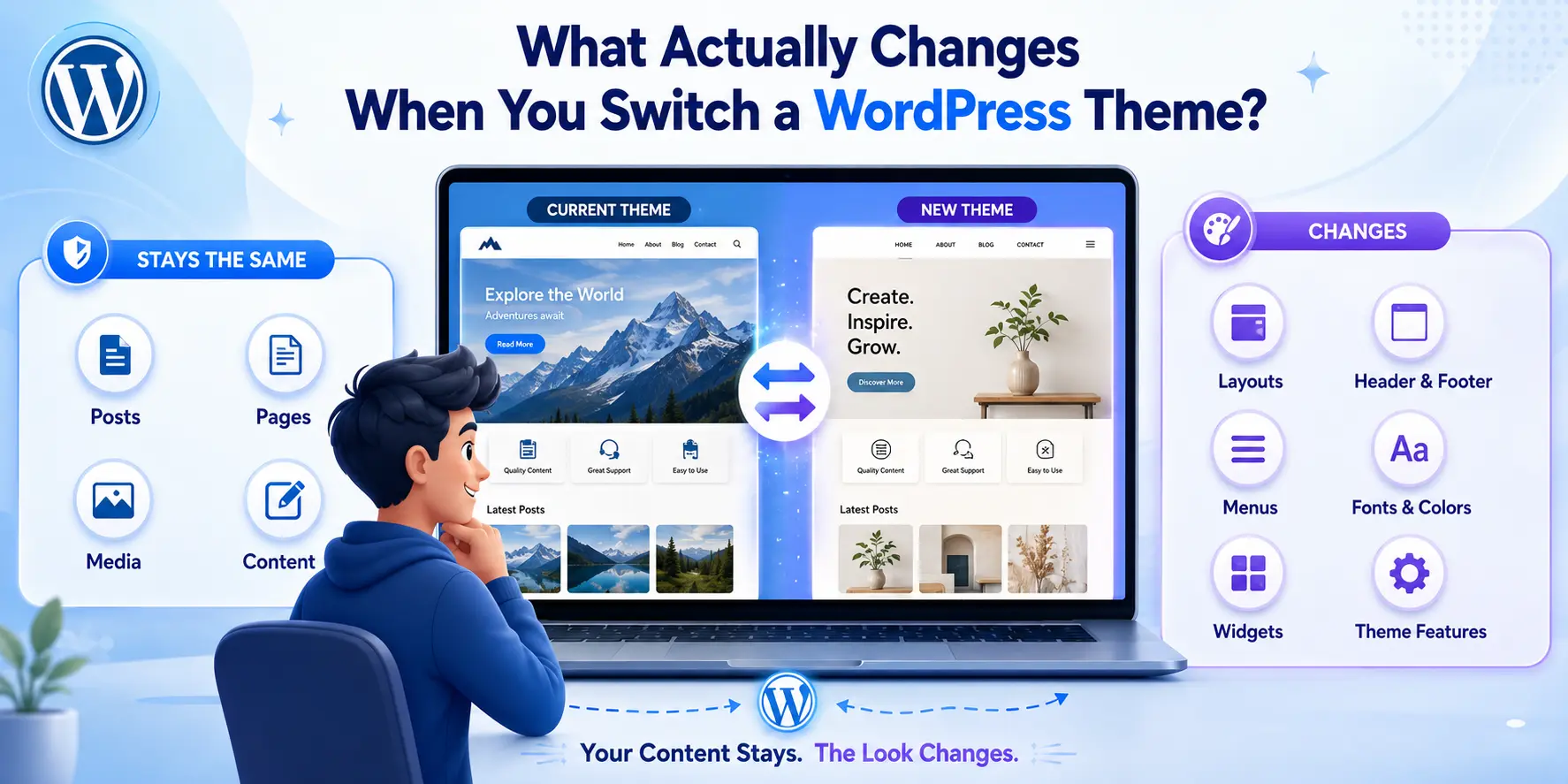
A new theme can change:
- Page layouts and templates
- Header and footer design
- Menu locations
- Fonts, colors and spacing
- Widget or sidebar areas
- Theme-specific features and styling
WordPress itself describes themes as controlling the presentation of your content, while templates determine how that content is displayed. If you are still getting familiar with the platform, understanding how WordPress works in 2026 can also help you see the difference between WordPress itself and the theme controlling its appearance.
This is why changing a theme is more than a visual redesign. Some of those behind-the-scenes changes can also affect important SEO elements.
Which SEO Elements Can a Theme Change Affect?
A WordPress theme change can affect several SEO-related elements because themes control much of your website’s layout, templates, styling and front-end structure.
Website Speed and Core Web Vitals
A heavier theme with large scripts, fonts or design elements can slow down pages or cause layout shifts. Google uses Core Web Vitals as part of its ranking systems, so performance should be checked before and after switching themes.
Heading and Content Structure

A new theme may display titles and headings differently or change the HTML used around your content. This matters because Google can use page headings and prominent text to understand and present your pages in search results.
Navigation and Internal Links
If the new theme changes your menu, footer or related-content sections, some internal links may disappear or move. Internal links help Google discover pages and understand how content on your website is connected.
Mobile Responsiveness and User Experience
Your new theme should work properly on smartphones, not just desktops. Google uses the mobile version of a website for indexing and ranking, making mobile usability an important part of the switch.

Schema, Breadcrumbs and Theme-Added SEO Elements
Some themes add their own structured data, breadcrumbs or other SEO markup. Changing the theme may remove or alter these elements, so they should be tested after the switch. Structured data helps Google understand information on a page.
Image Sizes and Page Layout
A theme can change how featured images, banners and other visual elements load or display. Poor sizing or unstable layouts can affect loading performance and Cumulative Layout Shift (CLS).
Not every theme change will affect all of these areas, which is why the SEO impact can be small on one website and much bigger on another.
Can Changing a WordPress Theme Cause a Ranking Drop?
Yes, changing a WordPress theme can cause a temporary or longer ranking drop if the new theme changes important SEO elements.
This usually happens when the switch affects things like:
- Page speed or Core Web Vitals
- Mobile usability
- Internal links or navigation
- Important content or headings
- Schema or other structured data
- Crawlability or indexing settings
Google recommends maintaining strong mobile content, crawlable links and good page experience because these can influence how pages are understood and ranked.
The theme itself is not the problem. Ranking drops usually happen because of what changes with the theme, especially when important SEO signals are removed, weakened or broken.
When Does a Theme Change Usually Not Hurt SEO?
A theme change usually does not hurt SEO when the important parts of the website stay consistent.
This includes keeping:
- The same URLs and permalinks
- Important page content and headings
- Internal links and navigation
- SEO titles and meta descriptions
- Mobile-friendly layouts
- Good page speed and crawlability
If the new theme is mainly a visual upgrade and your SEO structure remains intact, rankings may stay stable. In some cases, a faster and cleaner theme can even improve performance.
How to Change a WordPress Theme Without Losing SEO
The safest approach is to test first and protect the SEO elements that already work before making the new theme live.

Test the New Theme on a Staging Site
Use a staging copy to check the design, mobile layout, speed and functionality without affecting your live website. Also keep a full backup of your files and database before making major changes.
Keep Existing URLs and Permalinks the Same
Avoid changing URLs just because you are changing the design. If a URL must change, use a proper 301 redirect so users and search engines reach the new page. Google recommends mapping old URLs to their new destinations during URL changes. Also make sure the new theme does not create multiple versions of the same page, as poorly managed duplicate content can affect SEO and make it harder for search engines to identify the preferred URL.
Preserve SEO Titles, Meta Descriptions and Schema
Check that your SEO plugin settings, metadata, canonical URLs, breadcrumbs and structured data still work after activating the new theme. Google uses canonical signals and structured data to better understand pages and their preferred URLs.
Check Navigation and Internal Links
Make sure important menu, footer and contextual links have not disappeared. Google relies on crawlable links to discover pages and understand their relationships.
Test Mobile Design and Page Speed
Check the new theme on different screen sizes and test its Core Web Vitals. Google recommends good Core Web Vitals and uses the mobile version of a site for indexing.
Make Sure Important Pages Stay Crawlable and Indexable
Before launch, confirm that important pages are not accidentally set to noindex, blocked from crawling or hidden behind broken navigation.
A theme switch is much safer when you treat it as a controlled website change rather than simply clicking “Activate.”
What Should You Check After Changing Your WordPress Theme?
Once the new theme is live, do a post-launch SEO check rather than assuming everything carried over correctly.
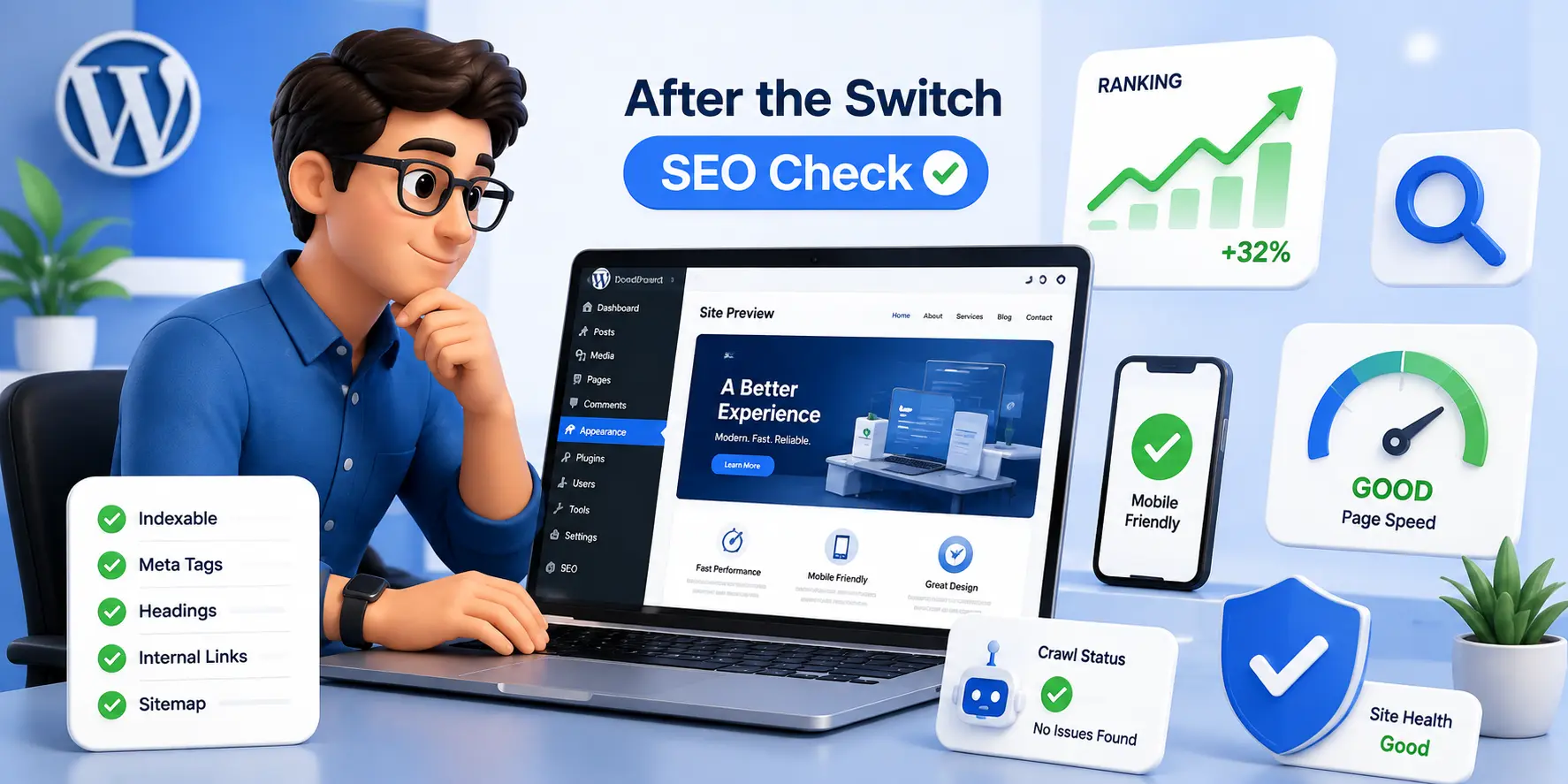
Crawl the Website for Technical Errors
Run a fresh site crawl and look for broken links, missing pages, redirect issues, incorrect canonicals and accidental noindex tags. Google also recommends using URL Inspection to check how individual pages are indexed and rendered.
Check Google Search Console
Check Search Console for new indexing problems, crawl issues or unusual changes after the theme switch. For important pages, URL Inspection can confirm whether Google can access and index the live version correctly.
Monitor Rankings and Organic Traffic
Compare your search performance before and after the change. Watch clicks, impressions, CTR and average position in the Search Console Performance report, especially for pages that were already ranking well.
Test Core Web Vitals and Mobile Usability
Check whether the new theme has improved or reduced loading speed, responsiveness and visual stability. Core Web Vitals measure these real-world user experience signals, while Google uses the mobile version of your site for indexing and ranking.
If something changes sharply after launch, investigate it early, the faster you identify what the new theme changed, the easier it is to fix.
How Long Can SEO Fluctuations Last After a Theme Change?
There is no fixed timeframe for SEO fluctuations after changing a WordPress theme. Small changes may settle once Google recrawls and processes the updated pages, while bigger technical problems can affect rankings for longer.
If rankings drop, check whether the new theme changed page speed, internal links, mobile usability, content structure or indexing settings. A lasting decline usually points to something that needs fixing rather than the theme change itself.
Should You Change Your WordPress Theme for Better SEO?

You should not change your WordPress theme only because you expect an automatic ranking boost. A theme is worth changing when the current one creates real problems such as slow loading, poor mobile experience, unstable layouts or technical limitations.
Google recommends providing a strong overall page experience and good Core Web Vitals, but these are only part of its wider ranking systems.
If your existing theme is already fast, mobile-friendly, and technically sound, improving your content, internal linking and overall SEO strategy may have a greater impact than replacing the theme.
Final Verdict:
Yes, changing a WordPress theme can affect SEO rankings, but the theme change itself is not usually the problem. Rankings are more likely to change when the new theme affects speed, mobile usability, internal links, content structure, schema or indexing.
If these SEO elements are protected and the new theme performs better, the switch can be safe and may even improve your site experience. If your current theme is holding your website back, a better WordPress website setup can help you improve performance without risking important SEO elements.
Before You Switch Themes: Quick SEO Questions Answered
Can I change my WordPress theme without losing content?
Yes, you can change your WordPress theme without losing your posts, pages, or media. However, theme-specific layouts, widgets, menus and custom features may change, so it is best to create a backup and test the new theme before going live.
Does changing your website affect SEO?
Yes, changing your website can affect SEO if you modify URLs, content, site structure, internal links, page speed or technical settings. Careful planning, redirects and post-launch SEO checks can help protect existing rankings.
Will changing a WordPress theme delete my SEO settings?
Usually, changing a WordPress theme will not delete SEO settings stored in plugins like Rank Math or Yoast SEO. However, any SEO features added directly by the old theme, such as schema, breadcrumbs or custom metadata, may change or disappear.
Do WordPress themes affect SEO?
Yes, WordPress themes can affect SEO because they influence page speed, mobile usability, site structure, internal links and Core Web Vitals. A fast, responsive and well-built theme can support SEO, while a poorly optimized theme can negatively affect search performance.
Does changing a WordPress theme change URLs?
Usually, changing a WordPress theme does not change your page or post URLs. URLs are controlled by your WordPress permalink settings, not the theme. However, theme-specific custom post types or special page structures can sometimes be affected.
Will changing themes affect Google rankings?
Yes, changing a WordPress theme can affect Google rankings if the new theme changes page speed, mobile usability, internal links, content structure, schema or crawlability. If these SEO elements stay intact, rankings may remain stable.
Do I need to resubmit my website to Google after changing themes?
No, you usually do not need to resubmit your entire website to Google after changing themes. If your URLs remain the same, Google can recrawl the updated pages naturally. For important pages, you can use URL Inspection in Google Search Console to request re-indexing after the change.
